
Out of Office Messages in Microsoft 365: Internal vs External Best Practices
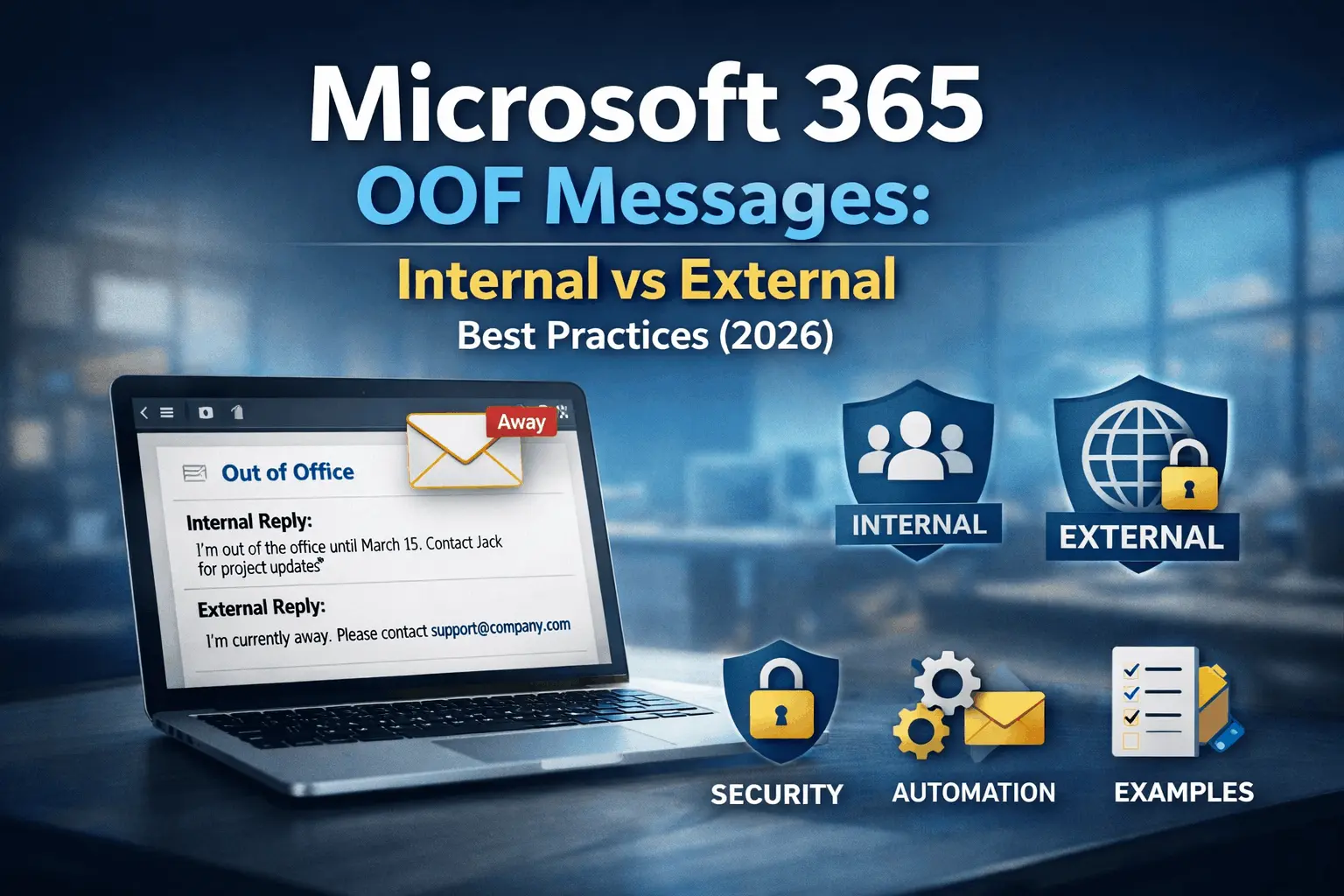
Learn how to write secure, professional Out of Office messages in Microsoft 365 — including internal vs external strategies, automation tips, and real-world examples.
In today’s hybrid workplace, where teams are distributed and always connected, the Out of Office (OOO) message has become a critical communication tool. A well-written autoresponder does more than simply say “I’m away” — it sets clear expectations, protects personal focus time, preserves professional relationships, and helps prevent security risks.
However, many professionals still rely on vague, overly casual, or poorly structured OOO replies that either expose too much information or fail to help the sender. The difference between a basic autoresponder and a strategic OOO message lies in understanding the distinct needs of internal and external audiences, choosing the right tone for each, and configuring replies correctly within Microsoft 365.
This comprehensive guide covers everything you need to create effective Out of Office replies in 2026 — from strategic differences between internal and external messages to advanced autoresponder setup, security considerations, real-world examples, and best practices that enhance both productivity and brand image.
Why Out-of-Office Messages Matter in Modern Workplaces
The modern workplace is faster, more distributed, and more always-on than ever before. Employees are expected to respond quickly, yet personal time, vacations, and focused work periods have become essential for long-term well-being and sustained performance. A clear and professional Out of Office reply bridges this gap by setting realistic expectations and providing alternative solutions for urgent matters.
Beyond basic convenience, effective OOO messages serve several strategic purposes. They reduce inbox overload when you return from absence, prevent important messages from being lost, and demonstrate respect for both your own time and the sender’s needs. In client-facing roles, a thoughtful OOO reply can actually strengthen relationships by showing that you have planned ahead and arranged proper coverage.
From a compliance and security perspective, Out of Office replies have become increasingly important. They can limit organizational liability by setting clear boundaries around response times, reduce the risk of phishing attacks by warning external senders about potential delays, and help maintain data privacy by advising people not to include sensitive information in follow-up messages while you are away.
In regulated industries such as finance, healthcare, and legal services, well-documented OOO procedures are often required for audits and demonstrate due diligence in communication management.
Internal vs External Out of Office Replies: Strategic Differences
One of the biggest mistakes professionals make is using the same Out of Office message for everyone. Internal colleagues need operational clarity and project continuity, while external contacts need reassurance, professionalism, and minimal personal information.
| Aspect | Internal OOO Reply | External OOO Reply |
|---|---|---|
| Tone | Friendly and team-oriented | Professional and polished |
| Level of Detail | High — project-specific information is helpful | Low — general information only |
| Alternative Contact | Specific colleague name and direct contact | General team email or support line |
| Return Date | Exact date usually shared | General timeframe preferred for security |
| Security Considerations | Lower risk | Higher risk — avoid travel details |
Internal replies help maintain team productivity and prevent tasks from falling through the cracks. External replies protect your privacy and present a professional image to clients and partners.
Best Practices for Writing Effective Out of Office Replies
A strong OOO reply balances clarity, professionalism, and helpfulness. The most effective messages include these essential elements:
- A clear statement that you are currently unavailable
- Expected return date or general timeframe
- Alternative contact person with relevant details
- Brief guidance on what the sender can expect
- A polite and professional tone appropriate for the audience
Here are real-world examples of good OOO replies:
Example: Internal OOO Message
Example: External OOO Message
Pros and Cons of Different OOO Strategies
| Strategy | Pros | Cons |
|---|---|---|
| Generic Single Reply | Simple and quick to set up | Lacks personalization and can appear unprofessional |
| Separate Internal & External Replies | Highly professional, secure, and audience-appropriate | Requires more configuration effort |
| Calendar-Linked Autoresponder | Automatic activation based on calendar events | Requires consistent calendar hygiene to work reliably |
| Dynamic Signature + OOO | Complete branding and compliance consistency | More complex to implement and maintain |
Setting Up Professional Autoresponders in Microsoft 365
Microsoft 365 provides several methods to configure Out of Office replies. The built-in Automatic Replies feature in Outlook is suitable for individual users, while organization-wide transport rules offer greater control and consistency for larger teams.
Transport rules allow IT teams to standardize OOO messaging across the organization. This reduces human error, ensures compliance messaging is always included, and prevents employees from forgetting to activate automatic replies when they go on leave.
When setting up autoresponders, always test them thoroughly by sending test messages from both internal and external addresses. Check how the reply appears in different mail clients and on mobile devices.
Security and Privacy Considerations
Out of Office replies can inadvertently leak sensitive information if not written carefully. Avoid mentioning exact vacation locations, hotel names, or detailed travel plans in external replies. External OOO messages should remain general and professional.
Avoid including personal phone numbers in external OOO replies unless absolutely necessary. This reduces the risk of unwanted calls or social engineering attempts while you are away.
Well-written OOO replies can actually help reduce phishing risks by directing urgent matters to a designated backup person instead of encouraging direct follow-up with you.
Frequently Asked Questions
Yes. Internal replies can be more detailed and casual to help maintain team productivity, while external replies should be professional, concise, and security-conscious to protect privacy and brand image.
Keep external OOO replies short and clear — ideally 4–8 lines. Internal replies can be slightly longer if you need to provide project-specific information and backup contacts.
For internal replies, yes. For external replies, it is generally better to use a general timeframe (e.g., “next week”) rather than an exact date to reduce security risks.
Yes. Microsoft 365 supports scheduled automatic replies that can be linked to your calendar events for automatic activation during meetings, vacations, or out-of-office periods.
No. This can create unnecessary security risks. Keep external replies general and professional.
It is recommended to review OOO templates at least once per year or after any major organizational change such as restructuring or rebranding.
Conclusion
A strategic Out of Office message is a small detail that creates a big professional impact. By separating internal and external replies, prioritizing security, and using automation in Microsoft 365, organizations can maintain productivity, protect employees, and strengthen their brand — even when staff are away.
Well-designed OOO replies show respect for both your own time and the needs of others. They turn potential frustration into smooth handoffs and demonstrate thoughtful planning that reflects positively on you and your organization.