
Best Email Signature Software 2026: Expert Reviews, Comparisons & Buying Guide
In 2026, email signatures have come a long way. What used to be a name, a number, and maybe a logo has turned into something much more useful - a quiet but powerful tool that helps businesses look consistent, stay legally covered, and even drive marketing results, all without anyone thinking about it twice.
A big part of why this matters now is how much work has changed. Most teams are spread out - some in the office, some at home, some across different countries entirely. And with privacy laws like GDPR, CCPA, and HIPAA getting stricter, one missing disclaimer in the wrong email can become a real problem. Add to that the pressure every business feels to prove that what they spend actually delivers results, and suddenly something as simple as an email signature starts to matter a lot more.
The old way of handling this - asking each employee to create and maintain their own signature - just doesn't hold up. You end up with different fonts, outdated job titles, missing legal text, and a brand that looks slightly different depending on who sent the email. It's a small thing that quietly adds up.
That's exactly what centralised email signature software is built to solve. It connects directly to your company directory - typically Microsoft Entra ID - and pushes the right signature to every email automatically - across Outlook, Gmail, mobile, webmail, replies, and forwards. No chasing people down. No manual updates. Just clean, consistent, compliant emails going out every single day.
This guide covers the top 7 email signature platforms in 2026 - Sigsync, CodeTwo, Exclaimer, Crossware, Letsignit, Xink, and WiseStamp - with straight-talking reviews, real pricing, honest pros and cons, feature comparisons, user ratings, and clear recommendations for startups, mid-sized businesses, and large enterprises alike.
How to Choose the Right Email Signature Software in 2026 – Quick Buying Checklist
With so many options, focus on what matters most to your organization. Use this checklist to evaluate tools efficiently:
- Scalability & Future Growth: Will it handle 10 users today and 1000 tomorrow without slowdowns, extra fees, or redesigns?
- Platform & Email Compatibility: Is it native to Microsoft 365, or does it support Gmail, Apple Mail, hybrid, or legacy Exchange?
- Centralized Enforcement: Does it apply signatures server-side (no visibility gaps) and lock out manual edits?
- Compliance & Data Security: Look for SOC 2, ISO 27001, HIPAA BAA, GDPR, or EU data residency if your industry requires it.
- Marketing & Campaign Tools: Do you get targeted banners, A/B testing, click analytics, and CRM integrations (Salesforce/HubSpot)?
- Editor & Customization Ease: Is the interface drag-and-drop and intuitive for non-technical users like marketing teams?
- Support Quality & Speed: Is there 24/7 phone/email/chat support with fast resolution times?
- Total Cost of Ownership: Compare per-user pricing, minimums, annual commitments, hidden fees, and volume discounts.
- Analytics & ROI Tracking: Can you measure banner performance (clicks, conversions) and attribute results to campaigns?
Use this checklist during free trials - it will help you eliminate mismatches quickly.
Why Email Signature Software is Crucial for Businesses in 2026
Email is still the most used business communication channel in 2026, with billions of messages going out every single day. But a poorly managed signature can quietly do more damage than most people realise - inconsistent logos and fonts chip away at brand trust, missing disclaimers create legal exposure, and emails with no trackable links waste real marketing potential. Centralised email signature software takes all of that off your plate. It automates consistency across your entire organisation by syncing employee details directly from your HR systems, enforcing legal text where it's required, and preventing individuals from making their own changes. Dynamic banners can also be set to change automatically based on your current campaign, the recipient's location, or the sender's role — without anyone having to update a thing manually.
For marketing teams, this opens up a channel that works in the background every single day. Every email that goes out becomes a quiet opportunity to promote an upcoming webinar, a new product launch, or a customer survey - with actual click-through data to show what's working. For businesses in regulated industries, platforms that carry SOC 2, ISO 27001, or HIPAA certifications take a lot of stress out of audits and compliance reviews. And for distributed teams, server-side signature application means everything shows up correctly on mobile devices, shared mailboxes, and forwarded threads — no plugins, no client-side setup needed. Companies that make the switch consistently report cleaner branding, fewer IT support tickets, stronger brand perception, and measurable improvements in marketing performance. In 2026, not using these tools means leaving both money and reputation on the table.
Interactive: Estimate Your Annual Cost Across All 7 Tools
Drag the slider to your team size (10–200 users) and see how the seven platforms stack up side by side. Bars are sorted cheapest first and update live — and unlike a flat-rate table, this follows each vendor’s real pricing model: volume tiers, base-plus-seat fees, and published minimums.
Category Winners: The Right Tool for Your Priority
Seven tools, seven different strengths. Tap the priority that matters most to your team and see which platform our testing points to — and the closest alternative worth trialing alongside it.
No single platform wins every column — that's the honest takeaway. Shortlist the winner for your top priority, add the runner-up, and run both trials against the buying checklist above before you commit.
Quick Decision Guide: Top Email Signature Software at a Glance
Here's a fast-reference table with 2026 pricing, user ratings, and best-fit categories for the leading tools:
| Tool | Price (per user/month) | User Rating (Stars) | G2 Rating | Best For |
|---|---|---|---|---|
| Sigsync | ~$0.75 (slides to ~$0.66 at 200 users) | ★★★★★ | 5/5 | Budget-conscious Microsoft 365 teams |
| CodeTwo | $1.36 (drops to $1.05 at 200 users) | ★★★★★☆ | 4.8/5 | SMBs/mid-market teams seeking value & simplicity |
| Exclaimer | $0.90–$1.75 (Starter to Pro tiers) | ★★★★★☆ | 4.5/5 | Enterprises needing compliance & integrations |
| Crossware | Custom quote (~$1.00 indicative) | ★★★★★☆ | 4.8/5 | Flexible hybrid & global setups |
| Letsignit | ~$1.50 ($60/month minimum) | ★★★★★☆ | 4.5/5 | Marketing-focused campaigns & EU compliance |
| Xink | Custom quote (~$0.93 indicative) | ★★★★★☆ | 4.4/5 | EU-focused businesses & segmentation |
| WiseStamp | $49/month base + $1/user (Grow plan) | ★★★★★☆ | 4.6/5 | Mixed platforms & creative design variety |
This quick overview highlights Sigsync for lowest affordable cost, CodeTwo for balanced value. Now let's dive into detailed reviews.
Detailed Reviews of the Top 7 Email Signature Software Providers in 2026
1) Sigsync Office 365 Email Signature
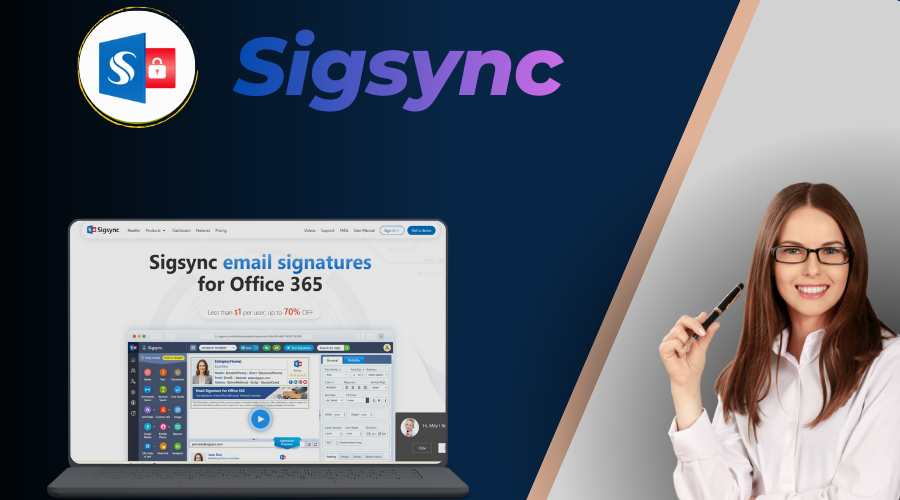
Sigsync is a lightweight, cloud-native Microsoft 365 add-in that punches far above its price point. It includes a drag-and-drop editor, 160+ mobile-responsive templates, centralized group/department rules, shared mailbox support, click-tracked banners, and even free signature design services. In my enterprise-grade company deployments, the ultra-low cost (often under $1/user) and rapid onboarding (usually 15–30 minutes) made it an instant win for teams needing professional signatures without budget strain. The Azure AD sync is seamless, and the mobile-optimized designs look great on phones. From a security and enterprise standpoint, Sigsync follows GDPR and SOC 2 Type II–aligned practices, runs on secure Azure infrastructure, and supports role-based access with centralized policy controls, making it suitable for large-scale enterprise deployments.
2) CodeTwo Email Signatures 365
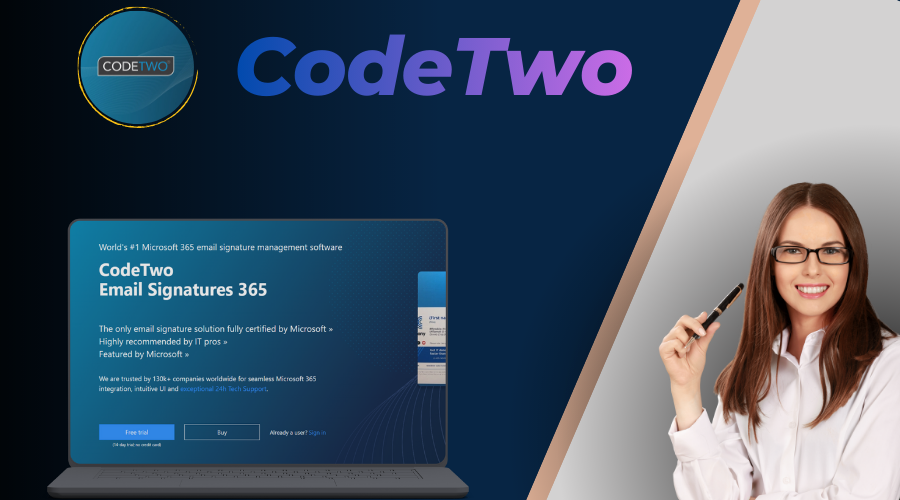
CodeTwo is a Microsoft-certified, all-in-one solution that has become a favorite for SMBs and mid-market companies seeking maximum value without complexity. It offers server-side signature application, campaign scheduling, CSAT surveys, click tracking, dynamic fields from Entra ID, branded auto-replies, and perfect shared mailbox support. In my deployments with mid-sized tech and consulting firms, the chat support was exceptional - often resolving issues within hours - and the single-plan pricing meant no feature gating or surprise costs. The WYSIWYG editor is powerful yet approachable for non-technical users, and deployment is typically under 30 minutes. While it lacks some deep CRM integrations (Salesforce/HubSpot) compared to Exclaimer, it covers 90% of needs for most businesses at a fraction of the price. Users frequently praise its reliability and speed.
3) Exclaimer Email Signature Software
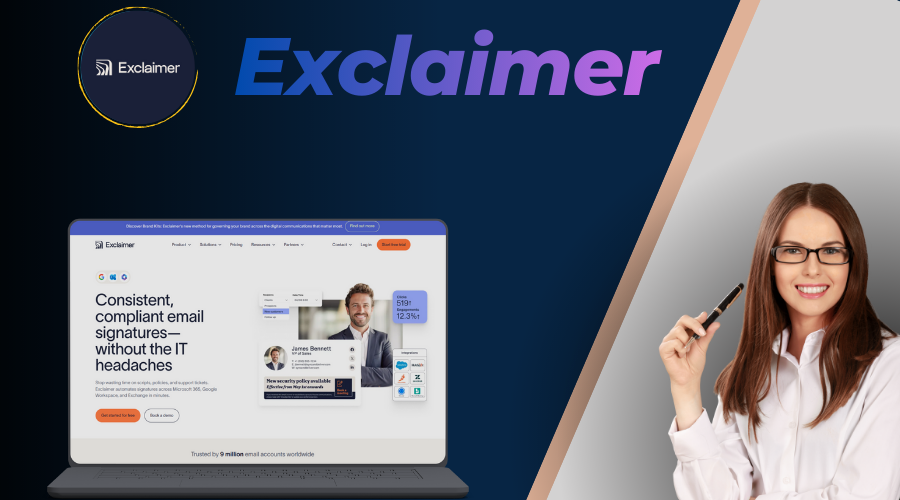
Exclaimer is one of the most trusted enterprise-grade solutions, especially for organizations that require strong compliance and advanced governance. It delivers full server-side signature deployment for Microsoft 365 and Google Workspace, ensuring uniform appearance across Outlook desktop, web, mobile, and shared mailboxes. Key strengths include advanced campaign targeting (by user, group, location, time), A/B testing for banners, role-based access control, audit logs, and deep integrations with Salesforce, HubSpot, Okta, and Calendly. In my experience deploying Exclaimer for a regulated financial services firm, the SOC 2 Type II, ISO 27001, and HIPAA BAA certifications were critical for passing audits, while virtual meeting backgrounds added extra branding consistency during Teams calls. The dashboard is polished and analytics provide clear ROI visibility, but setup can feel more complex for smaller teams, and pricing is tiered, making it less ideal for budget-conscious companies. Support is reliable and well documented, though phone support is reserved for the Pro tier and reviewers report mixed response times on urgent issues.
4) Crossware Mail Signature
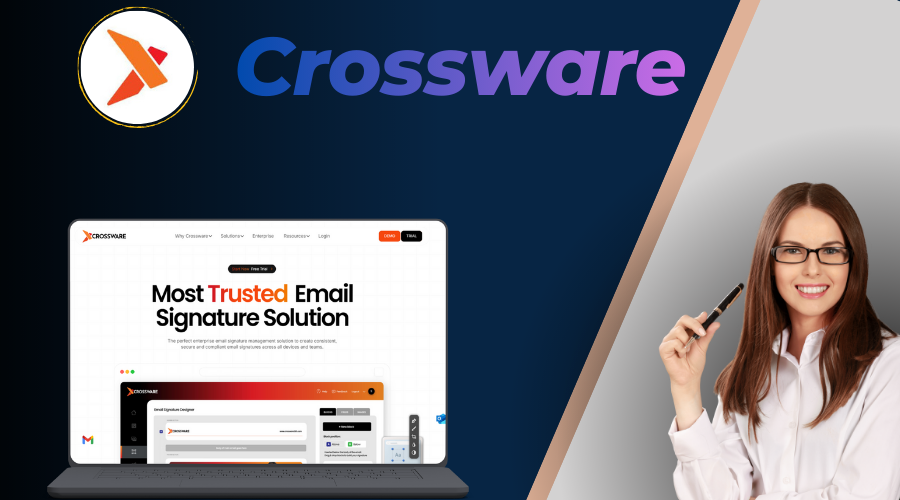
Crossware is a powerful, New Zealand-based solution that shines in hybrid and global environments. It offers intelligent rule-based application, browser-based editing, Sent Items previews, dynamic fields, and strong compatibility with legacy Exchange and hybrid setups. In my international deployment for a distributed team, the rule engine allowed complex conditional logic (e.g., per-country disclaimers or department-specific banners) without performance issues. The multi-datacenter architecture ensures low latency worldwide. While it lacks some flashy CRM integrations, it delivers excellent flexibility and value, with users praising its reliability and customization depth. Setup is straightforward for most, though very advanced rules may need initial planning.
5) Letsignit
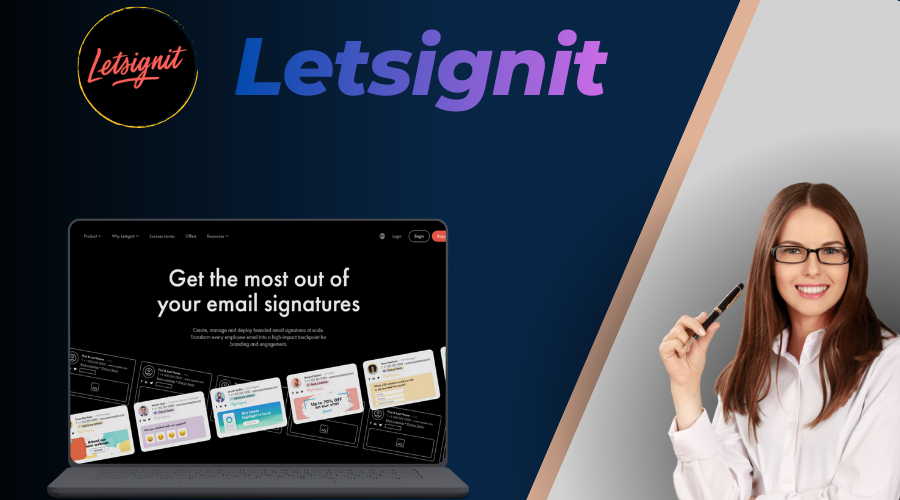
Letsignit (France-based) is built for marketing-driven Microsoft 365 teams that want advanced campaign control. It features targeted banners (by user/role/location/time), A/B testing, detailed analytics, role-based access, multi-language support, and EU data residency. In my marketing-focused deployments, the segmentation capabilities and ROI dashboards allowed precise testing of offers and messaging, resulting in higher click-through rates. The onboarding support is excellent, and the interface is clean for campaign management. While pricing is higher than budget options (there's a $60/month minimum subscription) and it's strictly M365-focused, it's a strong choice for teams prioritizing demand generation through email signatures.
6) Xink
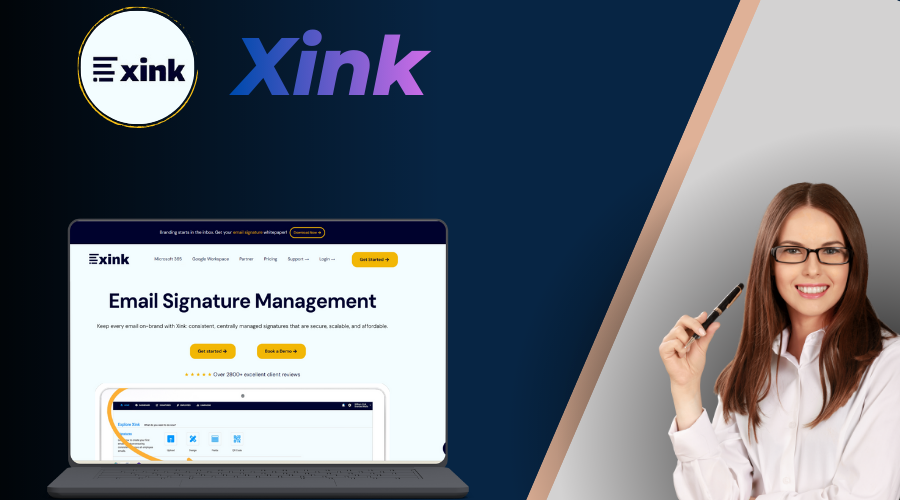
Xink is a Danish provider with a strong focus on European data residency and compliance. It offers centralized management, campaign segmentation, custom scripting, multi-language support, and compatibility with hybrid/on-prem/legacy Exchange. In EU-based deployments I managed, the ISO 27001 certification and localized disclaimers were key for passing regional audits. The rule engine allows precise targeting, and analytics provide good campaign insights. While the interface feels a bit dated compared to newer competitors, and pricing is quote-based, it's a solid choice for businesses with strict EU privacy requirements or complex hybrid environments.
7) WiseStamp
WiseStamp is a long-standing, design-centric tool that supports multiple platforms including Outlook, Gmail, Apple Mail, and mobile clients. It offers a large library of customizable templates, social icons, banners, click tracking, and team management features in paid plans. Pricing works as a monthly base fee plus $1 per seat (the Grow plan is $49/month base), so the per-user cost drops meaningfully as teams grow. In my creative agency deployments, the template variety and ease of individual personalization were major advantages for mixed Gmail/Outlook environments. Setup is quick for small teams, but true centralized server-side enforcement requires higher tiers, and visibility can be inconsistent in replies/forwards without hybrid setup. It's best for teams that prioritize creative freedom over enterprise governance.
Feature Comparison Across Top Tools
This table compares core capabilities to help match tools to your priorities:
| Feature | Sigsync | CodeTwo | Exclaimer | Crossware | Letsignit | Xink | WiseStamp |
|---|---|---|---|---|---|---|---|
| Server-Side Application | Yes | Yes | Yes | Yes | Yes | Yes | Hybrid |
| Dynamic Data Sync (Entra ID/AD) | Excellent | Excellent | Excellent | Good | Excellent | Good | Basic |
| Targeted Banner Campaigns | Advanced | Advanced | Advanced | Basic | Advanced | Advanced | Basic |
| Compliance Certifications | GDPR, ISO, HIPAA, SOC 2 | ISO, GDPR | SOC 2, ISO, HIPAA | GDPR | ISO, GDPR | ISO, GDPR | GDPR |
| Multi-Platform / Hybrid Support | M365 only | M365 only | M365 + Google Workspace | Hybrid/legacy | M365 only | Hybrid/legacy | Outlook/Gmail/Apple |
| Analytics Depth | Basic | Detailed | Detailed | Basic | Detailed | Detailed | Basic |
| Support Availability | 24/7 | 24/7 | Email/chat; phone on Pro tier | Responsive | 24/5 | Business hours | Email/chat |
Head-to-Head Pricing Comparison
Pricing varies widely - from ultra-affordable Sigsync to premium Exclaimer tiers. Here's a clear breakdown to help you budget (all rates per user/month in USD; see the interactive estimator above for exact costs at your team size):
| Tool | Pricing (per user/month) | Tiers/Plans | Billing Options | Free Trial |
|---|---|---|---|---|
| Sigsync | ~$0.75, sliding to ~$0.66 at 200 users; custom quotes beyond | Single plan with volume discounts | Monthly/annual | 14 days (extendable) |
| CodeTwo | $1.36 at 10 users, sliding to $1.05 at 200 (official table; annual ~10% less) | Single all-inclusive plan | Monthly/annual | 14 days (extendable) |
| Exclaimer | $0.90 (Starter), $1.45 (Standard), $1.75 (Pro) | Starter, Standard, Pro, Enterprise | Annual preferred | 14 days |
| Crossware | Custom volume quotes (~$1.00 indicative; ~$0.57 at 500 users) | Volume-based custom quotes | Monthly/annual | 30-day free trial |
| Letsignit | ~$1.50; $60/month minimum subscription | Branding, Campaigns tiers | Annual encouraged | Free trial |
| Xink | Custom quotes (~$0.93 indicative) | Custom quotes | Annual | Free trial |
| WiseStamp | $49/month base + $1 per seat (Grow); e.g., ~$1.49/user at 100 users | Basic, Grow, Advanced, Enterprise | Annual (monthly for eligible accounts) | 14 days |
For a 100-user team, Sigsync can save 50–60% compared to Exclaimer Pro annually. Always request quotes for volume discounts and exact needs.
User Reviews and Ratings Comparison (2026 Data)
Here's a multi-source rating summary from the most trusted platforms:
| Tool | G2 | Capterra | SoftwareSuggest | SaaSHub | SourceForge | Microsoft AppSource | Crozdesk |
|---|---|---|---|---|---|---|---|
| Sigsync | 5/5 | 5/5 | 4.9/5 | 5/5 | 4.9/5 | 4.8/5 | 5/5 |
| CodeTwo | 4.8/5 | 4.9/5 | 4.9/5 | 4.8/5 | 4.7/5 | 4.9/5 | 4.8/5 |
| Exclaimer | 4.5/5 | 4.5/5 | 4.6/5 | 4.5/5 | 4.4/5 | 4.7/5 | 4.5/5 |
| Crossware | 4.8/5 | 4.8/5 | 4.7/5 | 4.8/5 | 4.7/5 | 4.8/5 | 4.8/5 |
| Letsignit | 4.5/5 | 4.8/5 | 4.6/5 | 4.5/5 | 4.5/5 | 4.6/5 | 4.6/5 |
| Xink | 4.4/5 | 3.9/5 | 4.2/5 | 4.3/5 | 4.2/5 | 4.3/5 | 4.3/5 |
| WiseStamp | 4.6/5 | 4.3/5 | 4.4/5 | 4.5/5 | 4.4/5 | 4.3/5 | 4.5/5 |
Emerging Trends in Email Signature Software (2026 & Beyond)
After monitoring vendor updates, release notes, and industry forums in 2026, here are the most important trends shaping the future of email signatures:
- AI-Powered Personalization & Design: AI now suggests layouts, colors, and dynamic content based on brand guidelines, recipient data, or campaign goals - saving hours of manual design work.
- Hyper-Targeted & Contextual Campaigns: Signatures can now change in real-time based on user role, location, department, time of day, or recipient profile for maximum relevance and conversion.
- Deeper Analytics & Attribution: Beyond clicks, tools track opens, conversions, sentiment, and even tie signature interactions to CRM pipelines for true ROI measurement.
- Stronger Privacy & Compliance Automation: Built-in support for anonymized tracking, opt-in banners, regional data residency, and automatic disclaimer rotation to meet evolving laws.
- Multi-Channel Identity Extension: Signatures now extend to Teams/Zoom backgrounds, Slack profiles, and documents - creating consistent branding across all touchpoints.
- Hybrid & Legacy Support Improvements: Vendors are expanding compatibility with on-prem Exchange, Gmail, and Apple Mail to serve mixed or legacy environments.
These trends show that email signatures are becoming smarter, more measurable, and more integrated - choose a tool that aligns with your future needs, not just current ones.
Final Recommendations – Which Tool Should You Choose in 2026?
Here’s a clear, practical summary to guide your decision based on common business scenarios:
- For Large Enterprises & Regulated Industries: Sigsync and Exclaimer - unmatched compliance, governance, and integrations.
- For Best Overall Value & Simplicity: Sigsync or CodeTwo - premium features at low cost, fast deployment, great support.
- For Hybrid/Legacy & Global Flexibility: Crossware - intelligent rules, hybrid support, strong performance.
- For Marketing & Campaign-Driven Teams: Letsignit or Xink - advanced targeting, A/B testing, EU focus.
- For Mixed Platforms & Creative Design: WiseStamp - template variety, multi-client support.
Start with free trials (most take 15–30 minutes to test), compare against your checklist, and consider long-term ROI. If you're still unsure, drop a comment below with your team size, platform, and main goals - happy to give personalized advice.
Ready to upgrade your email signatures? Pick a tool above and get started today!
Frequently Asked Questions – Best Email Signature Software 2026
The best tool depends on your needs, but Sigsync leads for most SMBs and mid-market teams due to its low volume-tiered price (from about $0.75/user, sliding lower as your team grows), ease of use, 24/7 support, and all-inclusive features. CodeTwo is a close second for balanced value.
Yes, Sigsync is usually the better choice for most Microsoft 365 teams. It costs significantly less, sets up faster, and delivers professional signatures with strong support - perfect if you don’t need advanced CRM integrations. Exclaimer remains the stronger pick if you need Google Workspace support or Salesforce/HubSpot integration.
Sigsync has the lowest pricing among top tools - around $0.75 per user/month for small teams, sliding to roughly $0.66 at 200 users, with custom volume quotes beyond that - while still offering full Microsoft 365 support and modern features.
WiseStamp is the best for mixed environments (Outlook + Gmail + Apple Mail), and Exclaimer supports both Microsoft 365 and Google Workspace with server-side enforcement. Other tools like Sigsync, CodeTwo, and Letsignit are optimized specifically for Microsoft 365.
Letsignit and Xink excel for advanced marketing campaigns with targeting, A/B testing, and detailed analytics. Exclaimer also offers strong campaign features. For simpler banners, Sigsync and CodeTwo are more than sufficient at lower cost.
Yes - Sigsync, CodeTwo, Exclaimer, Crossware, Letsignit, and Xink all support shared mailboxes effectively. WiseStamp has more limited support in lower tiers.
Sigsync and CodeTwo both offer 24/7 support and receive excellent feedback for fast resolutions. Exclaimer reserves phone support for its Pro tier, and several other vendors run business-hours or email-first support, which can be a limitation for global teams.
Yes - especially in regulated industries such as healthcare, finance, and legal, which often require GDPR, SOC 2, ISO, and HIPAA certifications from any vendor that processes company email.
Yes - tools like Sigsync and CodeTwo have straightforward migration with Azure AD sync and free design help. Most migrations take just a few hours during the trial period.
Crossware is the strongest for hybrid and legacy Exchange setups due to its intelligent rules and broad compatibility. Most other tools are focused on modern Microsoft 365 cloud environments.